
The Comparison tab configures the shortcuts used inside the media comparison window. These shortcuts are exclusive to the comparison window, so they never conflict with board shortcuts.
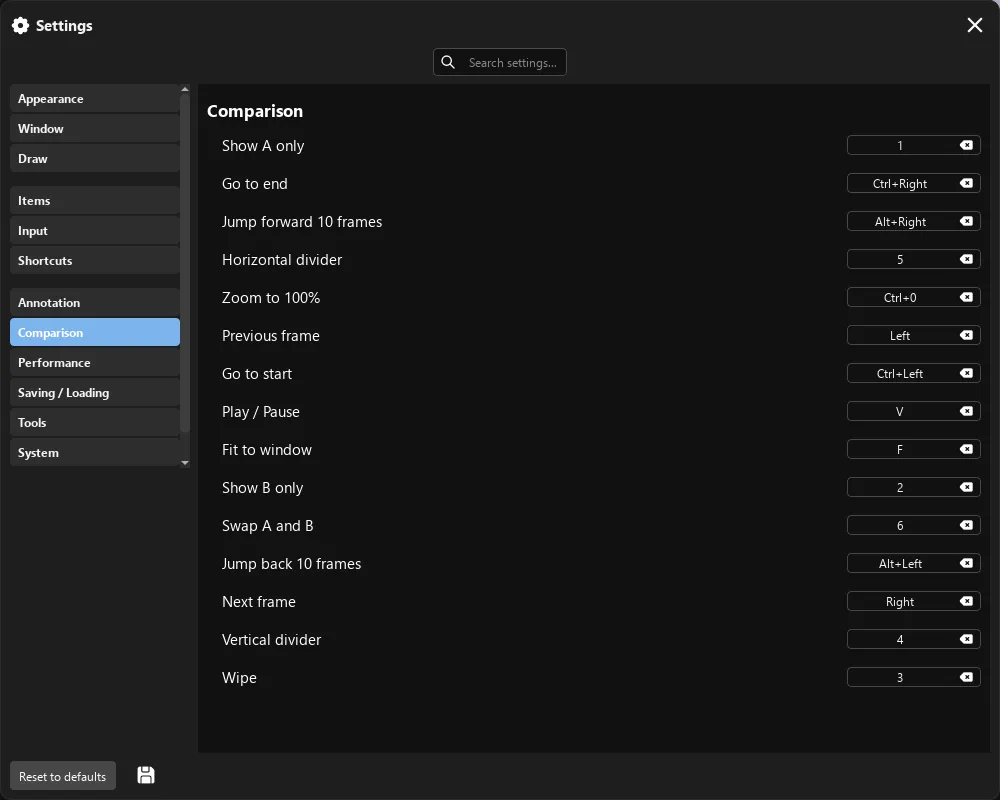
| Action | Shortcut |
|---|---|
| Play / Pause | V |
| Previous / next frame | ← / → |
| Go to start / end | Ctrl + ← / → |
| Jump back / forward 10 frames | Alt + ← / → |
| Show A only | 1 |
| Show B only | 2 |
| Wipe | 3 |
| Vertical divider | 4 |
| Horizontal divider | 5 |
| Fit to window | F |
| Zoom to 100% | Ctrl + 0 |
| Swap A and B | 6 |
Next steps
Section titled “Next steps”Media ComparisonCompare two references with a wipe slider and opacity.
AnnotationShortcuts for the annotation editor.