
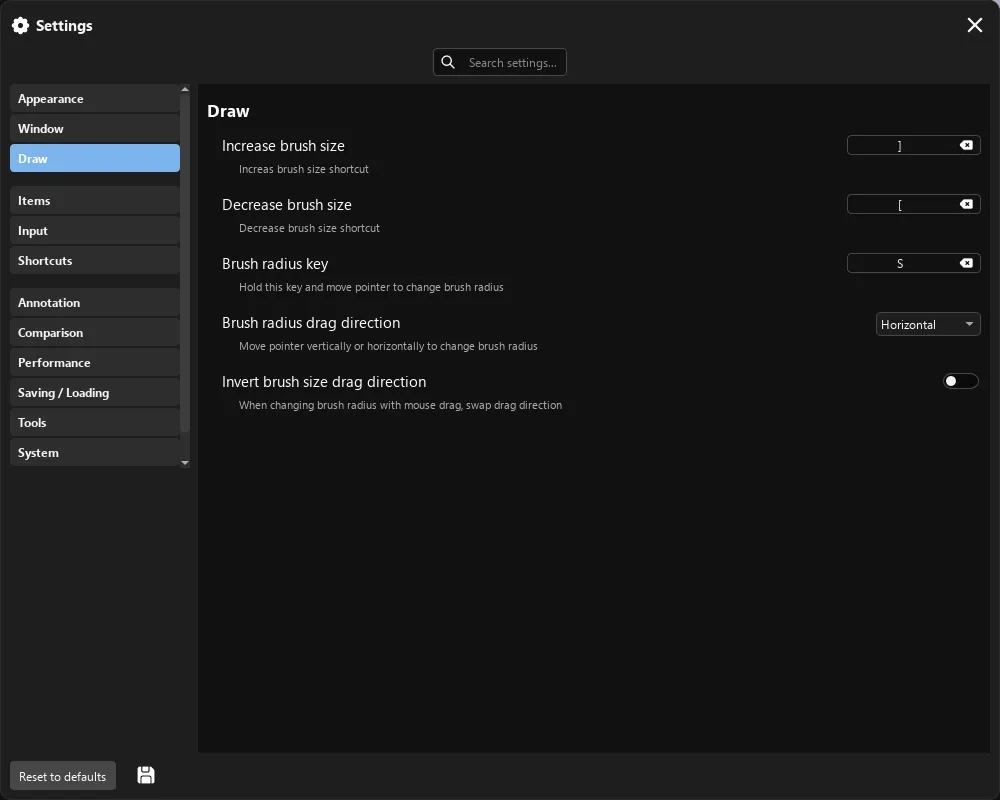
The Draw tab controls the brush shortcuts used by the Drawing tool. (The per-frame annotation editor has its own shortcuts under Preferences → Shortcuts → Annotation.)
| Setting | Default | Description |
|---|---|---|
| Increase brush size | ] |
Shortcut to increase the brush size. |
| Decrease brush size | [ |
Shortcut to decrease the brush size. |
| Brush radius key | S |
Hold this key and drag to change the brush radius. |
| Brush radius drag direction | Horizontal | Drag horizontally or vertically to change the brush radius. |
| Invert brush size drag direction | Off | Reverse the direction of the brush radius drag. |